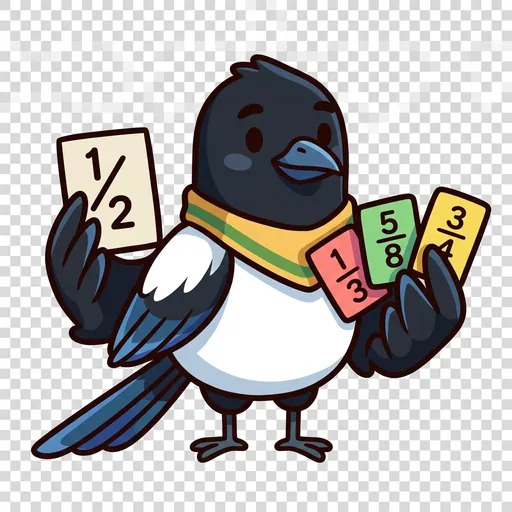
FractionForge

Master fractions with hands-on tools you can touch — split a pie, slide a marker on the number line, stack bars to add. Everything runs right here in your browser, nothing is saved off your device.

The five tools

Fraction Workshop

Split a bar and a pie into equal parts and shade them to build any fraction.

Number Line

Slide a marker to place fractions in their exact spot between 0 and 1.

Operation Lab

Stack two bars at a common denominator to see adding and subtracting.

Decimal Bridge

Shade a hundred-square to link fractions, decimals, and percents.

Compare & Order

Line up two fractions and decide which is bigger.

Set Model

Shade some of a group of counters — a fraction of a set of things, not one whole cut up.

Choose a challenge

Each challenge is a short 10-question round. Grade bands are a guide, not a gate — play any of them.

FractionForge mascot

Meet the cast — the characters who teach this

Each one stands for an idea you’ll practice. Tap a character to read their illustrated story and hear their audio drama.

Explore all the stories →